“App not installed”
Usually a leftover copy with a different signature. Uninstall any existing ComeGame app, clear the old APK
from Downloads, then download and install fresh. If it persists, free up storage — Android needs
headroom well beyond the file size to unpack an install.
Download stops at 0% or fails
Disable VPNs, private DNS and ad-blocking DNS profiles, which frequently break direct file requests. Then
switch between Wi-Fi and mobile data and retry. Clearing your browser cache resolves most of the rest.
“Blocked by Play Protect”
For unlisted apps this is an advisory, not a malware verdict. Tap Install anyway if the
file came from the official partner link. If the warning explicitly names harmful behaviour, stop
— you downloaded a repackaged copy from somewhere else.
OTP never arrives
Check your SMS spam filter and any DND/message-blocking setting from your carrier. Airtel, Jio and Vi all
filter transactional SMS aggressively. Wait 60 seconds before requesting a resend — rapid retries
can trigger a temporary rate limit.
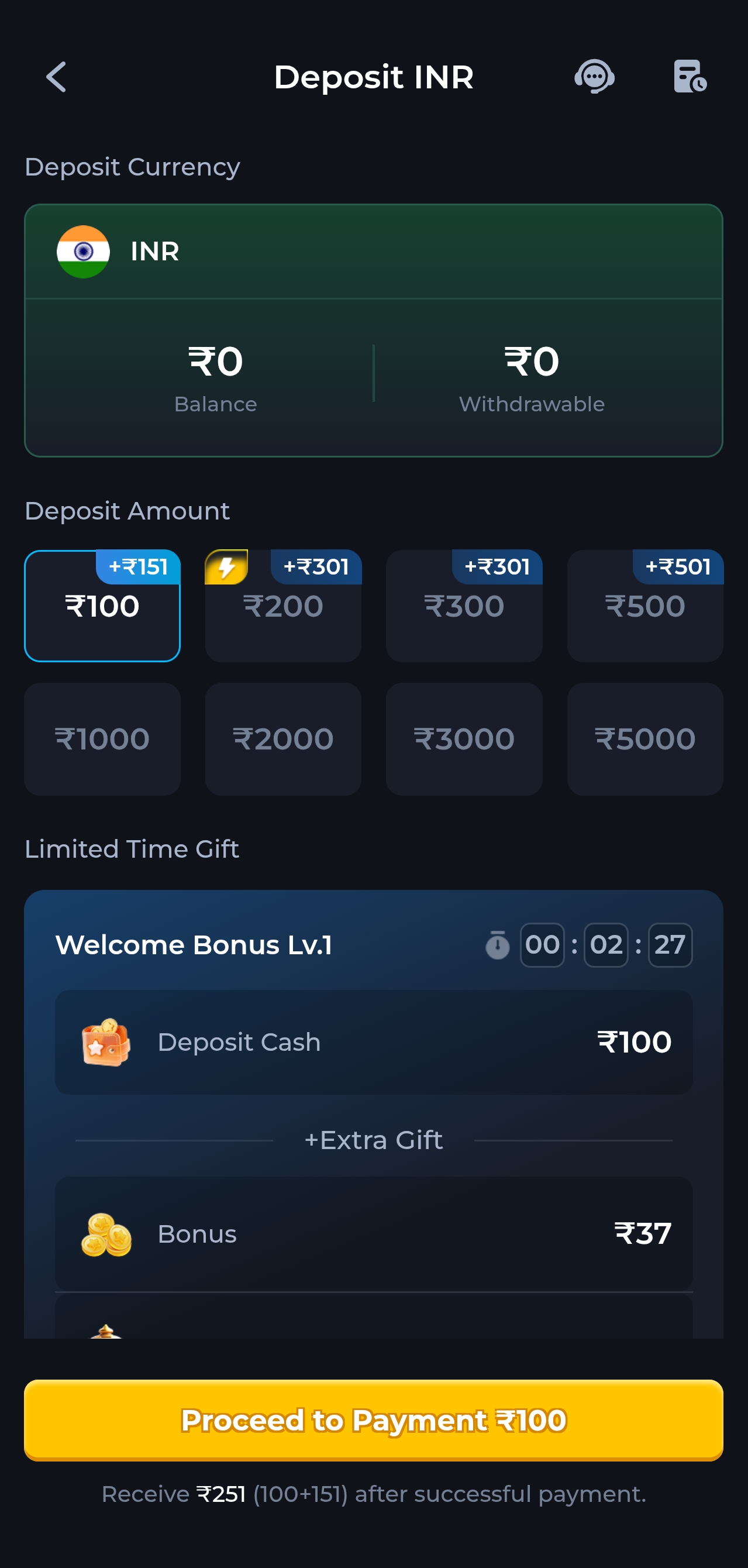
Deposit shows as pending
UPI settlements occasionally lag by a few minutes. If the amount left your bank but has not appeared,
send the UTR reference and a screenshot through our
contact page. Do not re-pay — you will simply have two pending
transactions to reconcile.
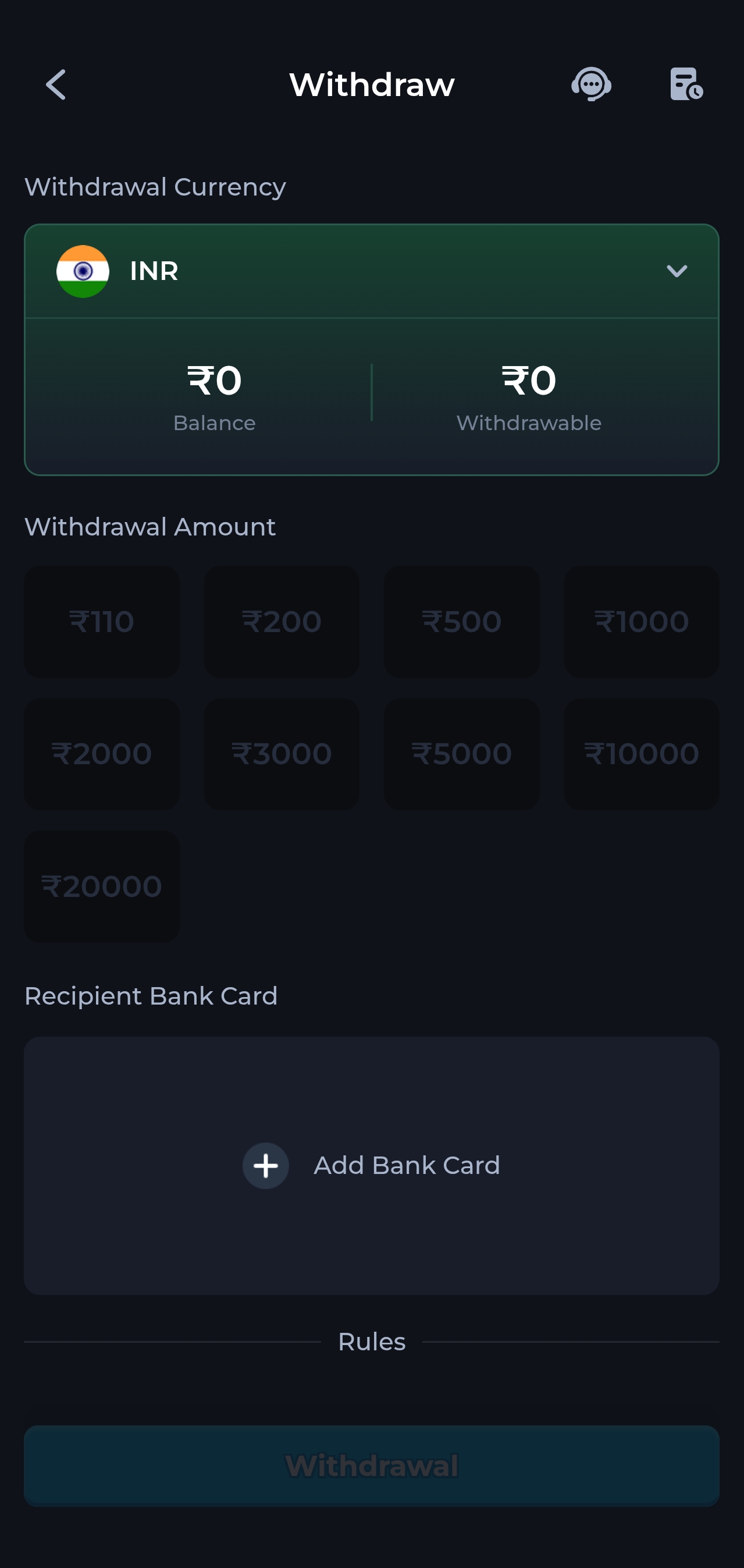
Withdrawal held for verification
Expected on a first payout. Upload a clear government ID and a bank document where the name matches your
registered profile exactly. Blurred photos and mismatched names are the two reasons KYC gets rejected.